Curriculum planning and mapping for teachers

Replace your pacing guide, standards binder and spreadsheet with a one clear map. MindMeister makes curriculum mapping and curriculum planning visual, flexible and intuitive.

vector image
vector image
Rated 4.6/5
vector image
Made in the EU
GDPR compliant
image

50% educator discount on paid plans

Get the discount

Loved by 40 million+ visual thinkers

Ideal for unit, lesson and curriculum planning

What is curriculum planning?

Curriculum planning means mapping out what students will learn, and in what order, across a unit, term, or year.

It’s the step up from planning a single lesson, and lighter than full curriculum development for an entire program. Done well, you always know what’s next, and nothing important gets skipped.

In MindMeister, your whole curriculum plan lives on one visual canvas. The branching structure of a mind map is perfect for getting a clear overview of all the lessons and units that make up your curriculum.

Zoom into a unit to add details, color-code it for alignment, or start from a draft AI sketches for you. Plan it solo, or bring your whole department in to build it together.

See the whole year on one canvas

Create a visual overview of every subject that needs to be covered. Then branch out from subjects to unit plans, lesson plans and reference materials.

Expand and collapse branches as you need, or switch to outline mode for a bulleted summary. However you think through curriculum design, the map adapts to you.

Curriculum mapping example in MindMeister
image

Zoom into a single subject

Curriculum mapping isn't only about the big picture. Once you've got an overview, zoom into a subject to map out individual lessons and attach resources.

Plus, you can create multiple maps on one canvas, so checking coverage across subjects or against your standards list is easy too.

Get a head start with AI

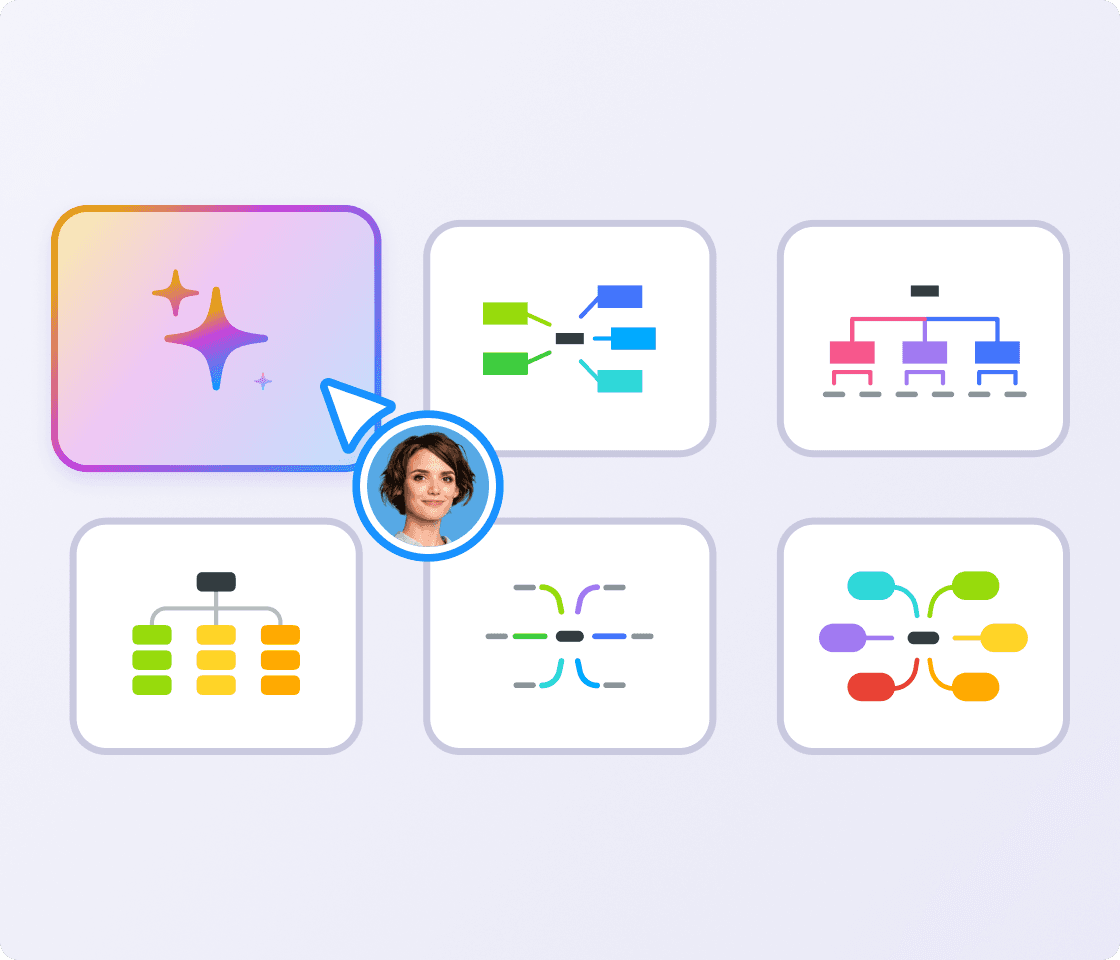
Type a prompt, or upload a syllabus or standards document, then let MindMeister AI draft you a starting outline in seconds. The map is still yours to shape freely, AI just helps you get started faster.

Interface with a button to create a mind map with AI
image

Keep your department aligned

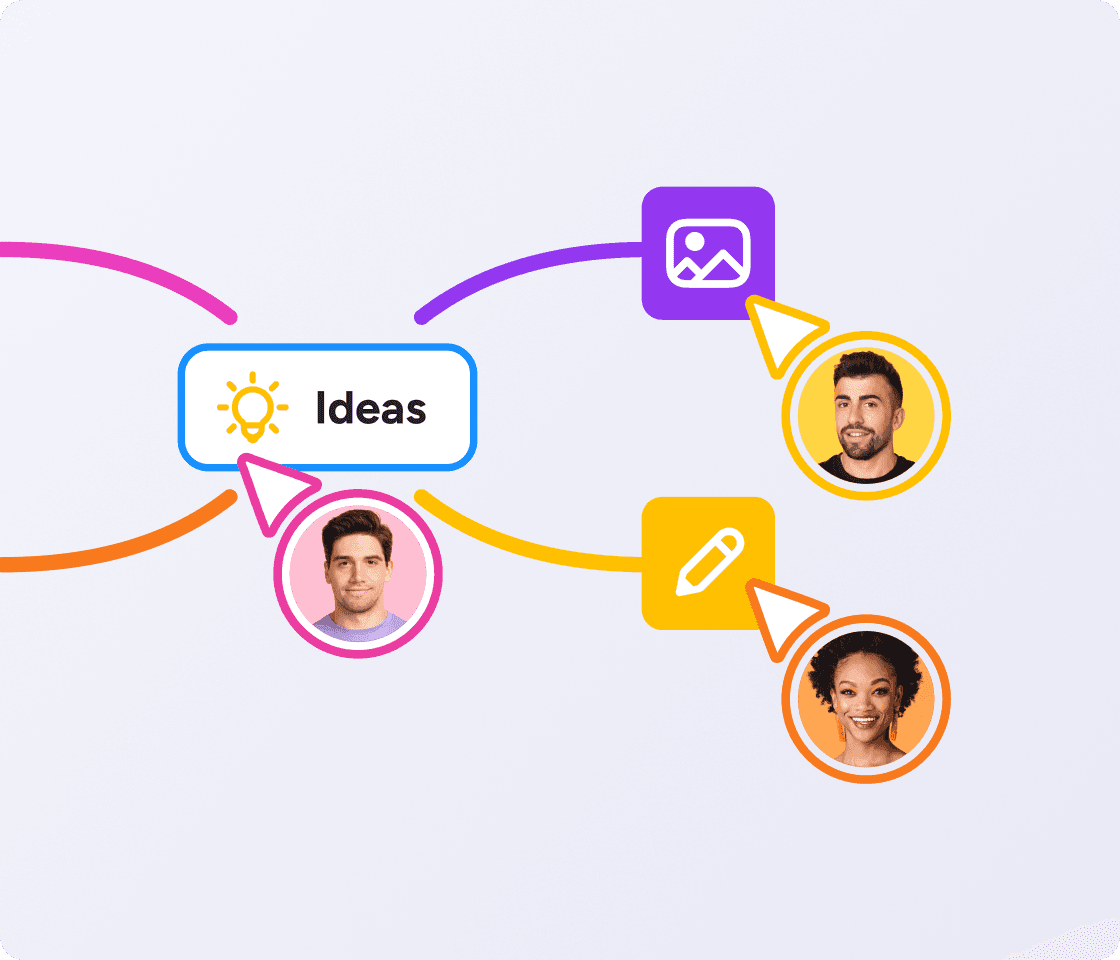
Curriculum planning rarely happens alone. With MindMeister, you can leave comments, mention colleagues and edit together in real time.

Share a view-only link with anyone who just needs to see the plan. Or export or present your map when it’s time to show someone else.

MindMeister’s flexibility and ease of access are central to my enjoyment of the tool: it lends itself to use by any hands, not just those of an artist.

imageHB
Henna BrodkinGraduate Student

MindMeister is a great way to clarify your thoughts. You can effectively structure and categorize a huge amount of information. When you do it on paper, you can’t drag and drop, you can’t move things around.

imageCJM
Chelsi Jo MooreCEO, productivity coach and podcaster
vector image

Our brainstorming meetings are here to stay. I rely on the ideas and spontaneity of my colleagues to achieve the best possible results. With all our best ideas stored and accessible in MindMeister, it’s easier to put these ideas into action.

imageDK
Dirk KokeFounder and Managing Director, KOKE GmbH
vector image
security icon

Enterprise-grade security

As your trusted digitalization partner, we're committed to providing a secure and reliable platform so you can manage your daily work with confidence.

  • ISO 27001 certified

  • Fully GDPR compliant

  • Hosted in Germany

  • Admin controls

  • Security best practices

Learn more

How to plan and map a curriculum in MindMeister

  1. Start with your subject. Put your course or subject at the center of a new map. This becomes the root node everything else branches from.

  2. Break it into units. Turn each unit or term into its own branch. This is curriculum unit planning at its simplest: build one unit fully before moving to the next.

  3. Fill in the details. Add smaller branches for learning objectives, standards, and lessons within each unit, in the order students will meet them.

  4. Check your alignment. Color-code branches by standard or subject so you can spot at a glance where things line up, and where the gaps are.

  5. Attach your resources. Add the relevant standard or resource straight onto each branch, so it's there the moment you need it.

  6. Share and present. Share the map with your department to collaborate in real time, then export it or switch to presentation mode when you're ready to show someone else.

MindMeister makes planning and teaching easier

image

Plan lessons

Zoom in from the curriculum to a single lesson.

An excerpt from a pond ecosystem concept map in MindMeister

Teach complex topics

Show students how everything connects.

image

More for educators

Discover more ways teachers use MindMeister.

Probably the best web-based mind mapping tool

MindMeister really excels. It's very usable and fast with a good set of features. I've used most other mind mapping software, but I keep going back to MindMeister.

The gold standard of mind map software

Great piece of kit — helps me lay out my plans in simple yet powerful graphical formats. It is so easy to use.

My number one tool for mind mapping

Mindmeister is my super tool for many of my training and consultancy programs. From ideation to the foundations of sessions with clients.

Plan your next curriculum with MindMeister

Curriculum planning FAQs