Create visual notes with MindMeister
Do your future self a favor and create visual notes you'll want to look at later. Turn class notes, meeting notes and half-formed ideas into clear, organized mind maps.

50% student discount on paid plans
Loved by 40 million+ visual thinkers
Mind mapping for students improves memory recall
(Farrand et al., 2002)
Plain text notes are quick to write and hard to use later. Mind map note taking helps you stay organized.
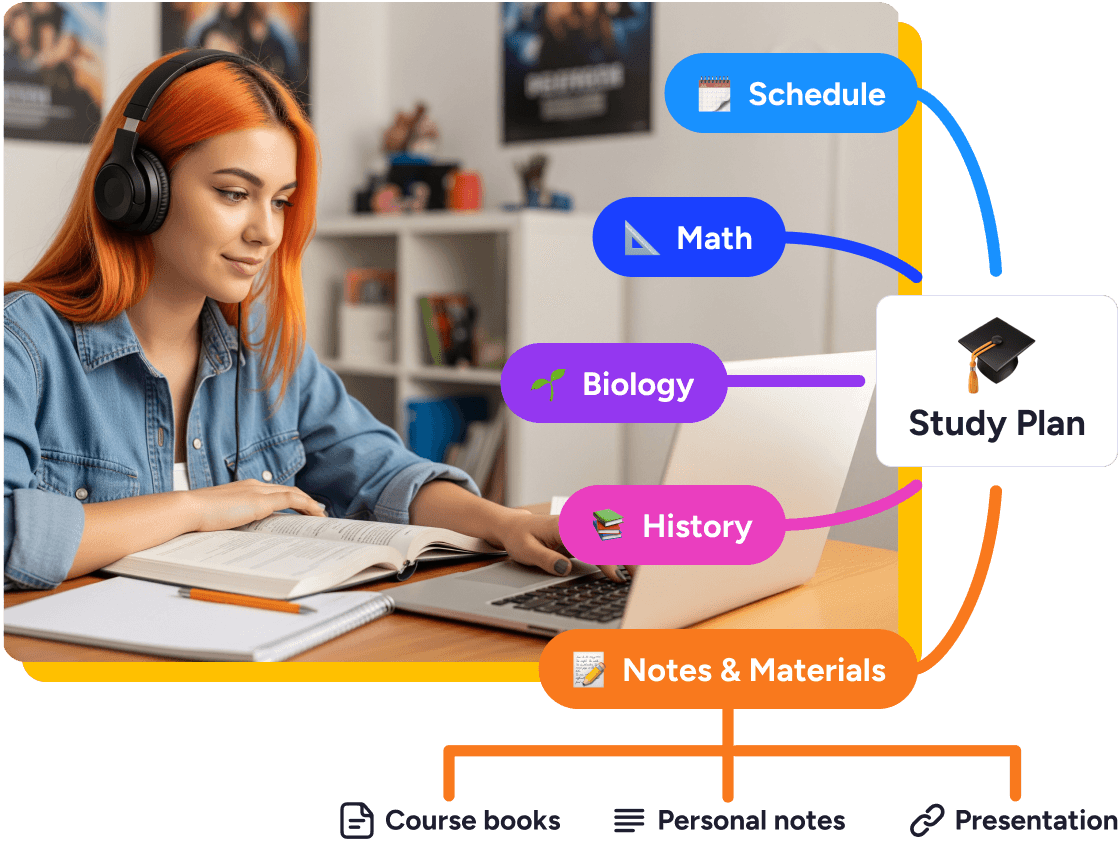
Instead of a page of bullet points, you build a map that shows how your ideas connect. Seeing those connections makes concepts easier to understand, and information easier to recall later.
If you've ever felt there must be a more effective way to learn than reading through pages of notes, or you think better in pictures than paragraphs, visual notes is the answer.
Give your brain the structure it's already looking for. Whether that's for a lecture, a book, or a meeting that went in five directions at once.
Instead of writing a wall of text, group related ideas visually. Spot connections you'd have missed in a linear list, and reorganize on the fly when the lecture (or your own thinking) jumps around.
That flexible structure is one of the reasons mind map note taking is so effective.


Prefer a bullet-point view when it's time to revise? Toggle your visual notes into an outline format any time you like.
Use focus mode to review one branch at a time with everything else out of view, or switch to presentation mode to walk someone else through your thinking.
Add pictures, videos and emojis to topics to help reinforce your learning, or find information fast. With MindMeister's visual note taking app, it's easier for your brain to make sense of anything.


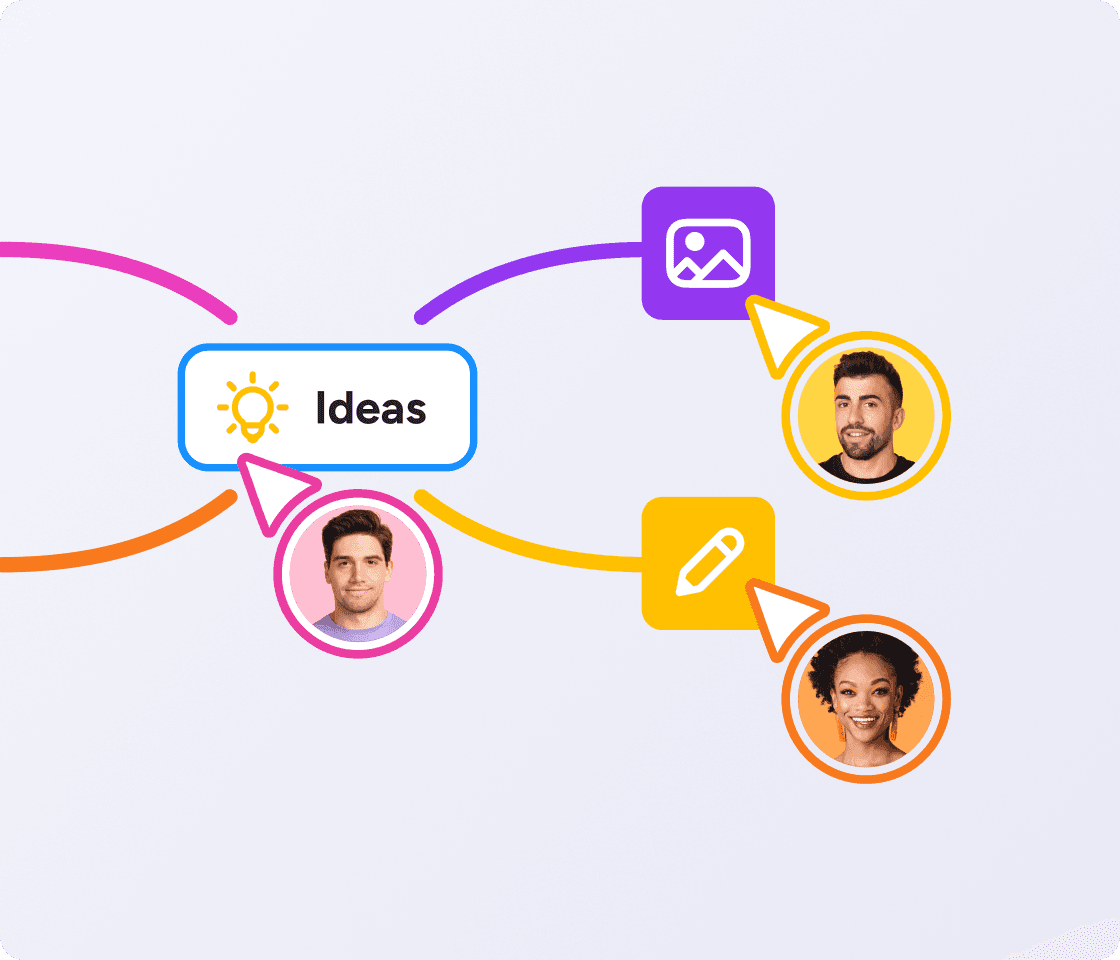
Turn your visual notes into a presentation, or collaborate on a mind map in real-time. Ideal for group work, brainstorms or note taking for meetings.
As your trusted digitalization partner, we're committed to providing a secure and reliable platform so you can manage your daily work with confidence.
ISO 27001 certified
Fully GDPR compliant
Hosted in Germany
Admin controls
Security best practices
Sync with Google Drive, attach files, and send maps to Microsoft Teams or Slack.
Explore integrationsYes, we offer a free plan that lets you create up to 3 mind maps. To create unlimited mind maps and unlock advanced features, you can subscribe to a paid plan. Compare plans
Open a blank map and add your lecture topic in the center, then branch out as new points come up. MindMeister works on desktop, tablet, or phone, so you can capture ideas in real time and clean up the structure afterward.
It turns lecture notes, reading notes and project ideas into one visual map instead of a stack of separate documents. This visual way of organizing information complements how your brain actually works.
Not exactly. MindMeister is a mind mapping tool, so it won't replicate a hand-drawn sketchnote page. It's simple enough to recreate the Cornell layout though.
The big advantage of mind maps is how they can connect all your ideas and information in one visual place you can search, reorganize and review before an exam.
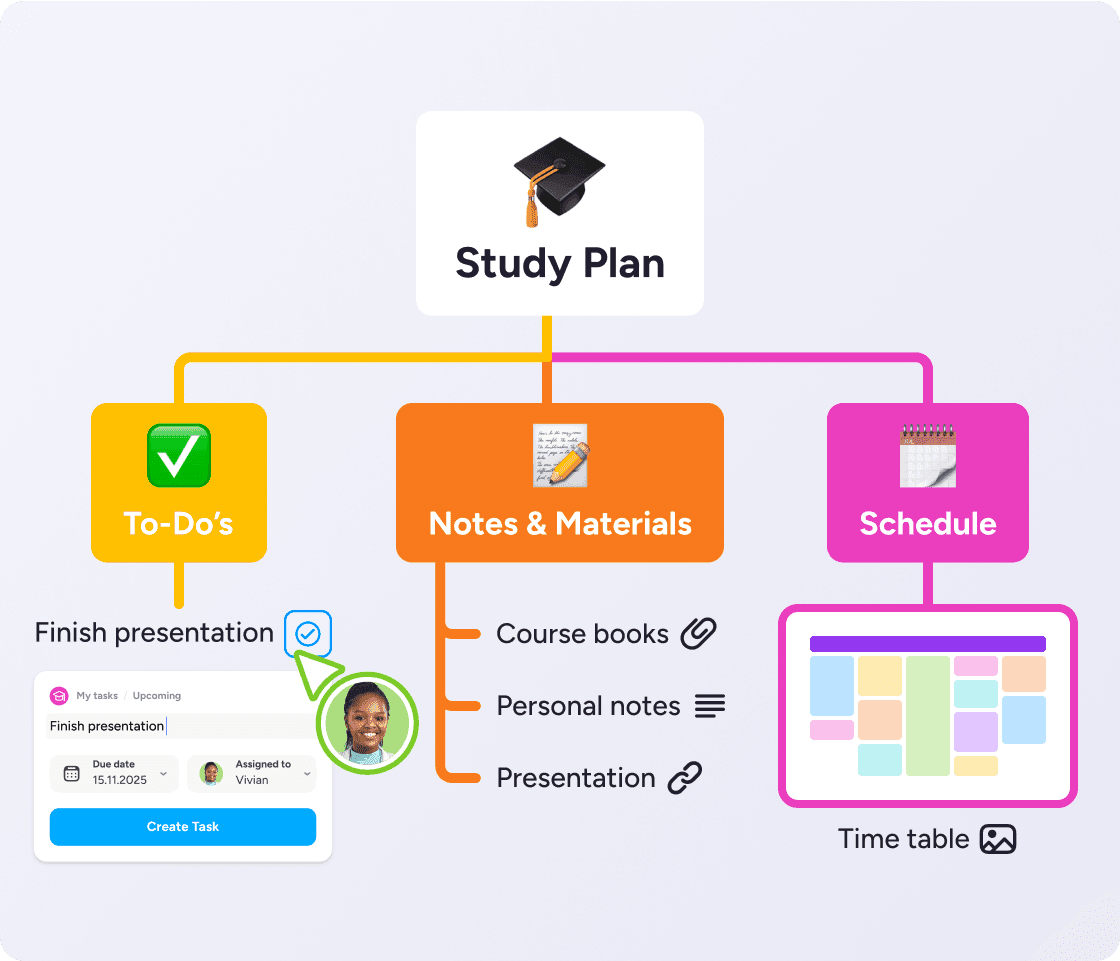
A lecture mapped with the topic in the center and each point as a branch. A book summary with one branch per chapter. A meeting turned into a single map with action items marked as tasks. Any of these works as a starting point in MindMeister.
You have three options. Outline mode for a clean, bullet-point view of your mind map. Presentation mode to guide your audience step-by-step. Or focus mode to navigate your map freely without distractions.
Yes. Attach documents, links, videos, and images to your maps, so everything stays in one place.
Absolutely. MindMeister is fast and flexible, ideal for capturing ideas as they come on desktop, mobile, or tablet. Build your structure as you go or quickly organize your notes afterward.
Invite classmates or colleagues to your map and work together in real time. Add comments or use chat to clarify ideas as you go.
With our MeisterTask integration, you can convert any part of your notes into a task with one click. Perfect for following up after meetings or turning planning into action.