Free organizational chart maker
Build your org chart in minutes. Reshape it in seconds as your team grows. No design skills needed.


4.6/5 (299 reviews)

Made in the EU
GDPR compliant
Build your org chart in minutes. Reshape it in seconds as your team grows. No design skills needed.

40M+ mind mappers visualize information with MindMeister





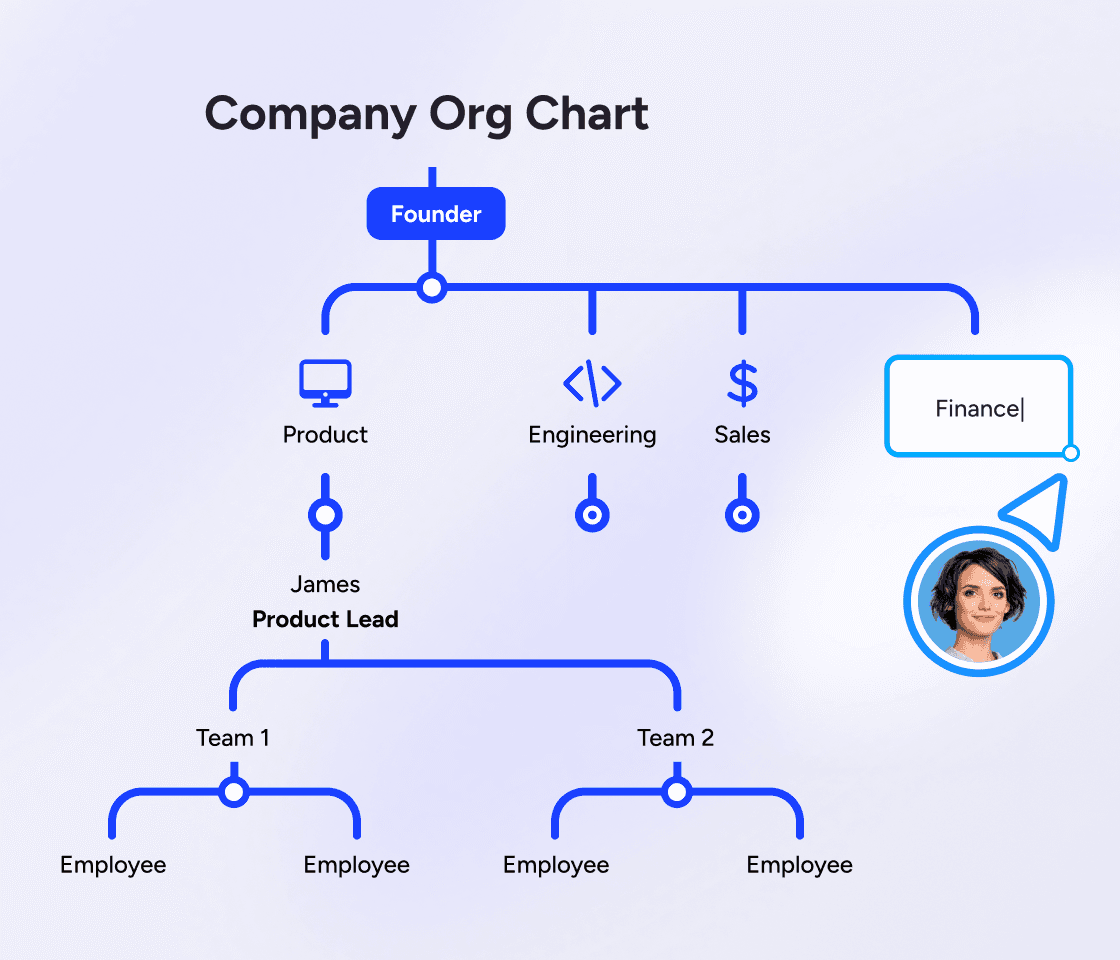
MindMeister is intuitive and straightforward. With no complicated features getting in your way, your organizational chart takes shape as fast as you can type.
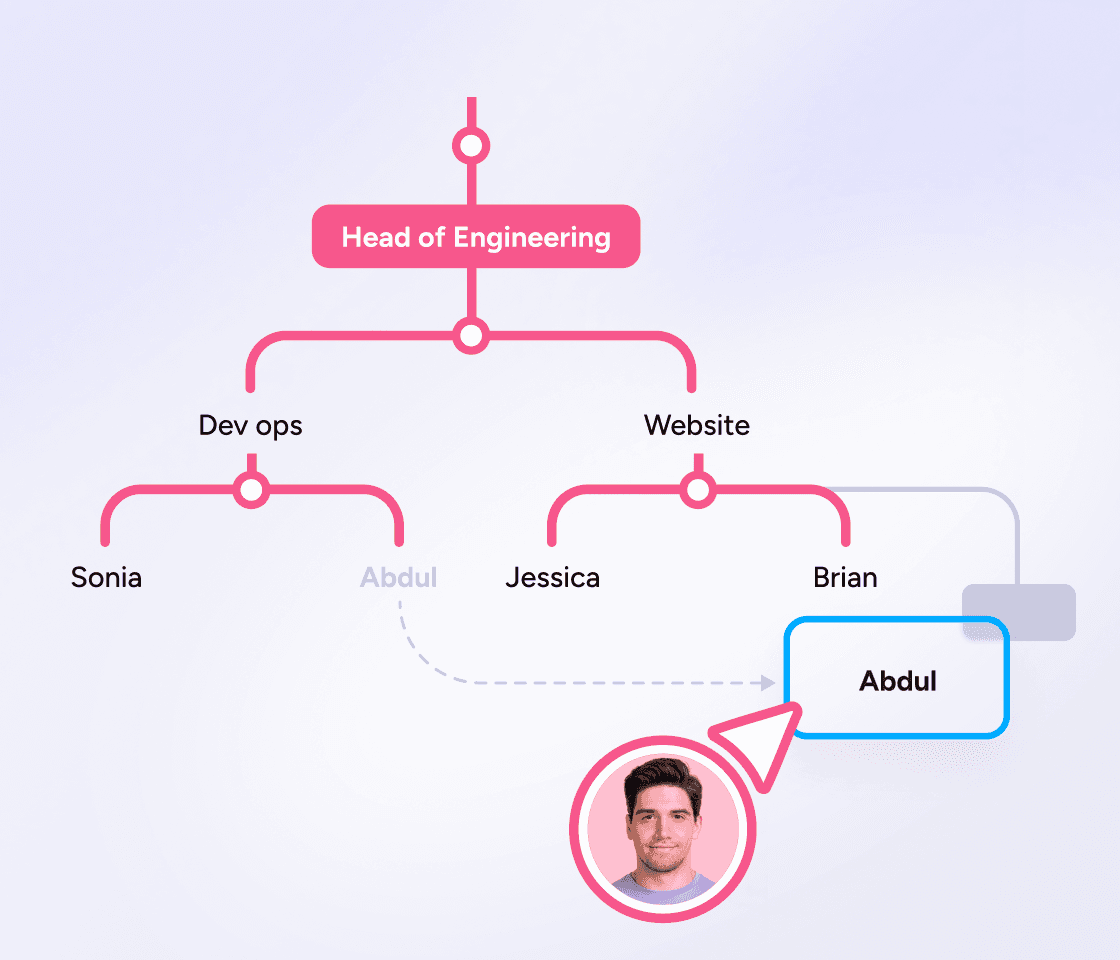
Teams change, so your org chart maker needs to make updates easy. Drag any team member to a new manager and everything updates automatically. No redrawing boxes, no realigning connector lines.

Build your org chart free, then invite your team to view or edit. Everyone works from the same live chart, not multiple copies of the same file. Export it any time you need to share it elsewhere.
Start with the top role. Add your CEO, founder, or team lead as the central idea.
Branch out by reporting line. Add each direct report as a branch, then their reports as sub-branches, until everyone's on the map.
Add the detail that matters. Names, job titles, teams, even a photo or a link to a profile on each node.
Reshape by dragging. Someone changed teams? Drag their branch to a new manager and the chart follows.
Share it with the team. Invite people to view or edit, or export the finished chart to share anywhere.
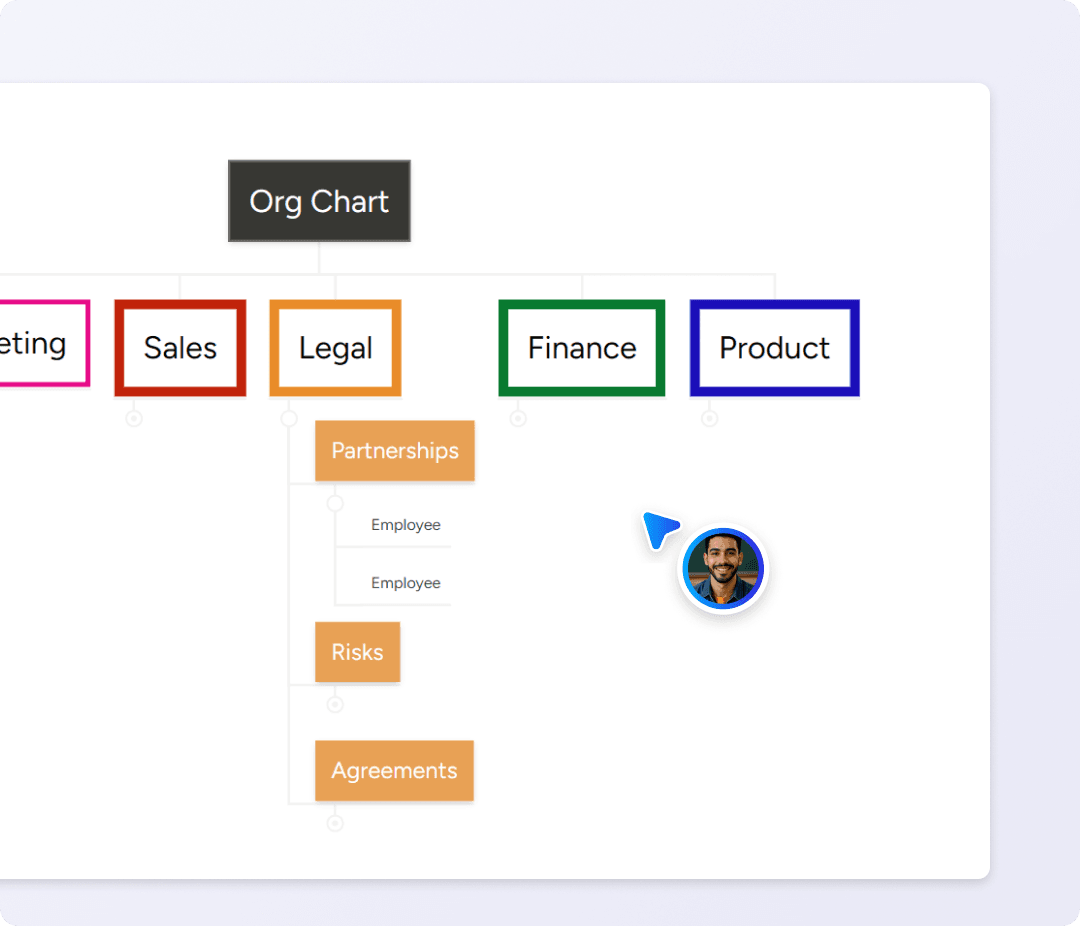
You don't have to build from scratch. Open an org chart template, swap in your team's names and roles, and you've got a working chart in minutes. Reshape it whenever your team does.
Most org charts are one of three shapes. Pick the one that matches how your team structure actually works.
Hierarchical. The classic top-down tree. One person at the top, clear reporting lines branching down through managers to their teams. Best for most small businesses that want a clear chain of command.
Flat. Few or no middle-management layers. Everyone sits close to the top. Common in early-stage startups where the team is small and everyone wears several hats.
Matrix. People report into more than one line, for example a function and a project at once. Useful when work crosses teams, but harder to keep readable.
You don't have to commit up front. Start with the shape you have today, then drag branches to change it as your team structure shifts.

As your trusted digitalization partner, we're committed to providing a secure and reliable platform so you can manage your daily work with confidence.
ISO 27001 certified
Fully GDPR compliant
Hosted in Germany
Admin controls
Security best practices


Sync your org charts with Google Drive, turn ideas into tasks in MeisterTask and brainstorm directly in Microsoft Teams.
Explore integrationsYes. You can create an org chart for free. Start from a blank map or a template, invite your team, and upgrade only if you need more powerful features. Compare plans
Yes. Open the org chart template, then create your free account to start editing.
Start with the top role, branch out by reporting line, and add each person as you go. In MindMeister you add the top role as the central topic in the map, then add branches for different teams or leads. Drag branches or team members to instantly reshape.
MindMeister is a hierarchical mind map tool, and an org chart is a hierarchy, so it works as an org chart creator too. You get the drag-to-reshape speed of a mind map instead of the rigid boxes of traditional org chart software.
Your team structure is how your people are actually organized. An org chart is the picture of that structure, made visible so anyone can understand it quickly.


