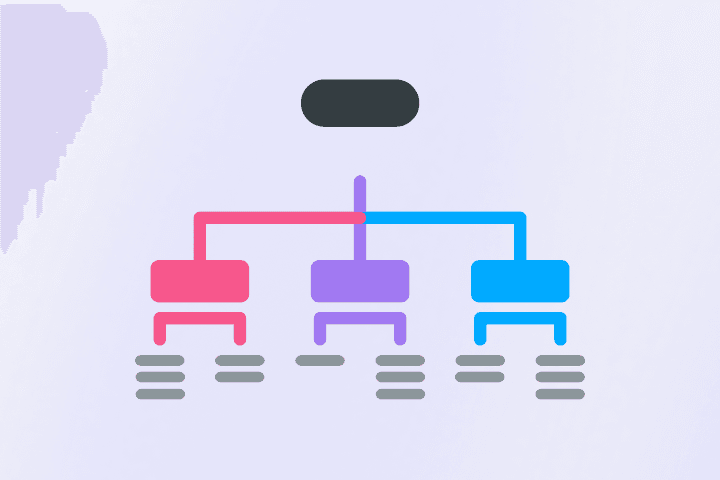
The free decision tree maker for teams
Make your own decision tree in minutes, or start with our decision tree template. Share with colleagues and easily align on the best path forward.


4.6/5 (299 reviews)

Made in the EU
GDPR compliant
Make your own decision tree in minutes, or start with our decision tree template. Share with colleagues and easily align on the best path forward.

40M+ mind mappers use MindMeister to make better decisions





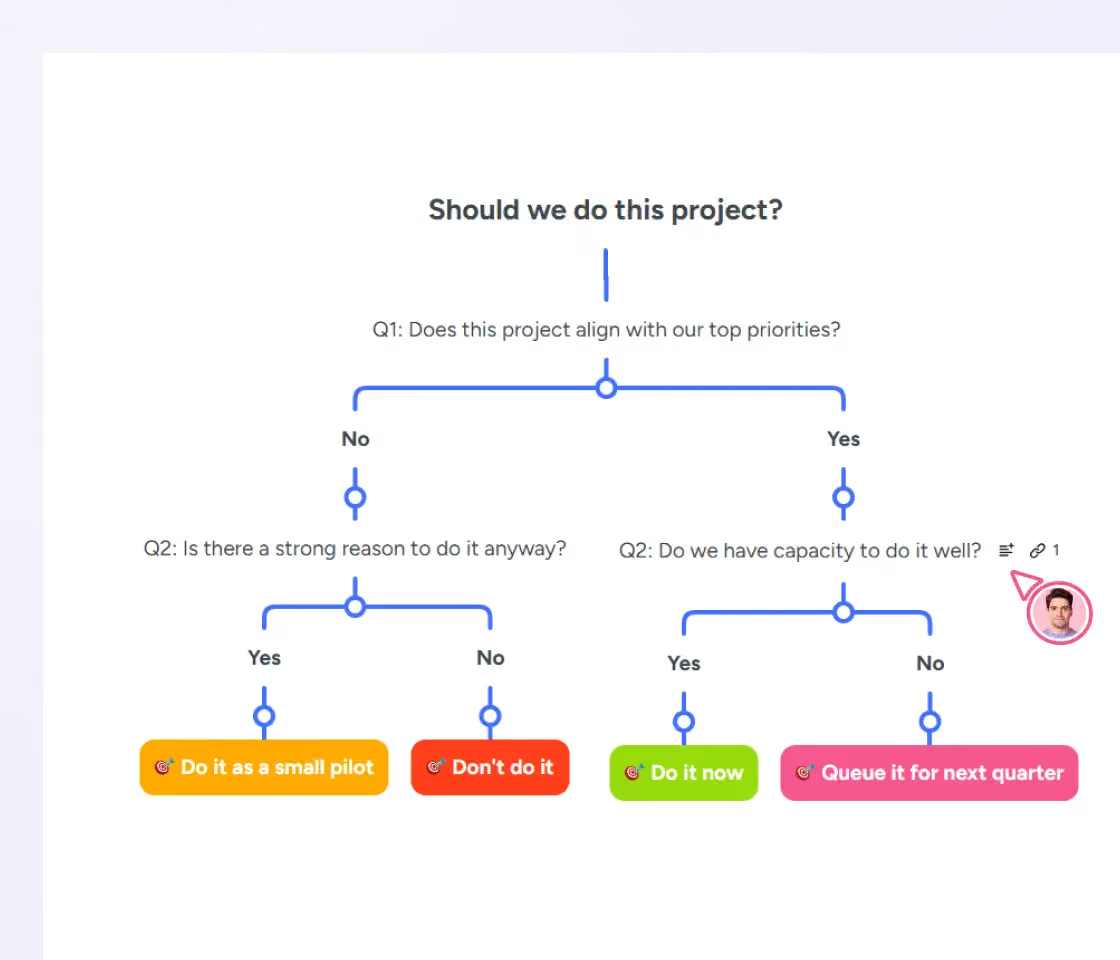
Visualize choices and outcomes so it's easier to reach the right decision. Attach notes with your reasoning to any branch of your decision tree.
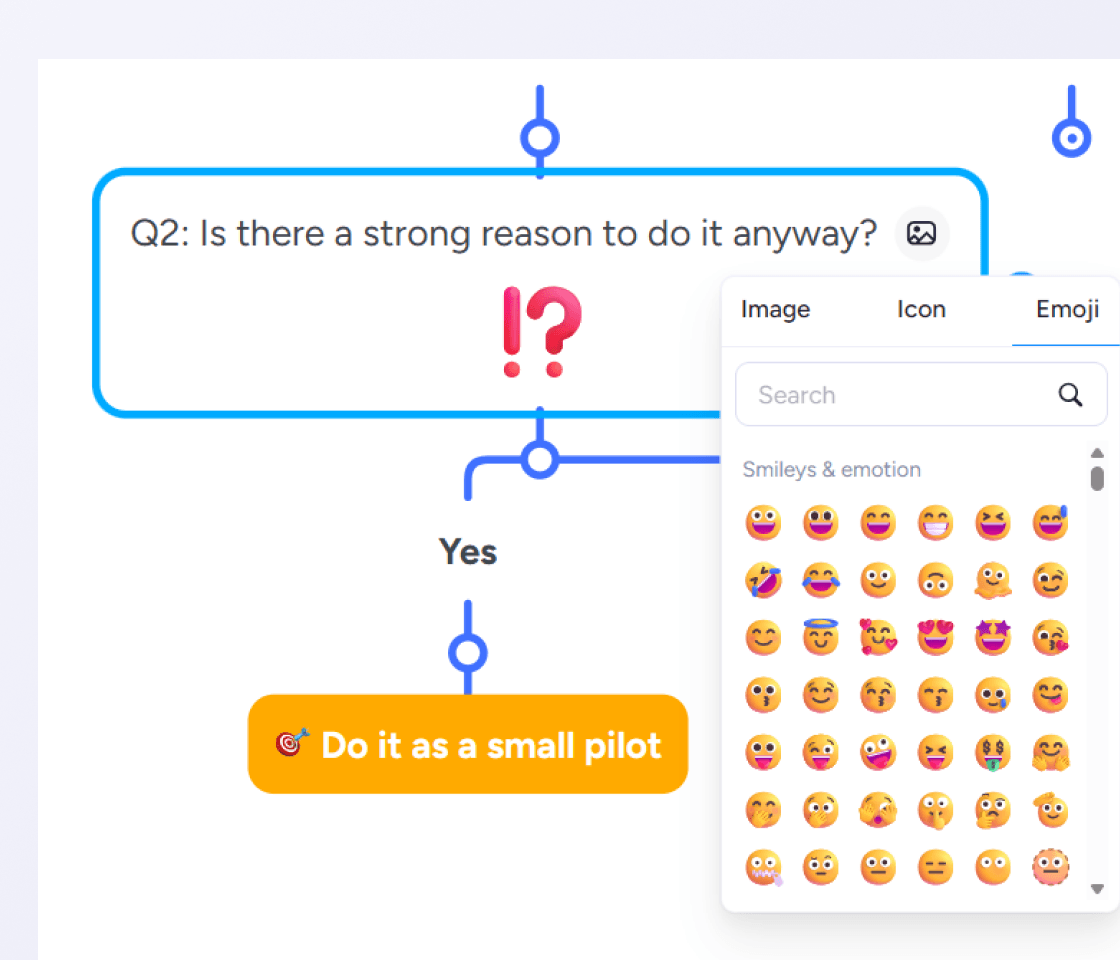
Add an icon or emoji to anything you're not sure about. When you look at the tree later, you know exactly where more thinking or evidence is needed before you commit.
Share your tree with a link, so everyone can see the options and weigh in. Leave comments and @mentions, or work together in real-time.
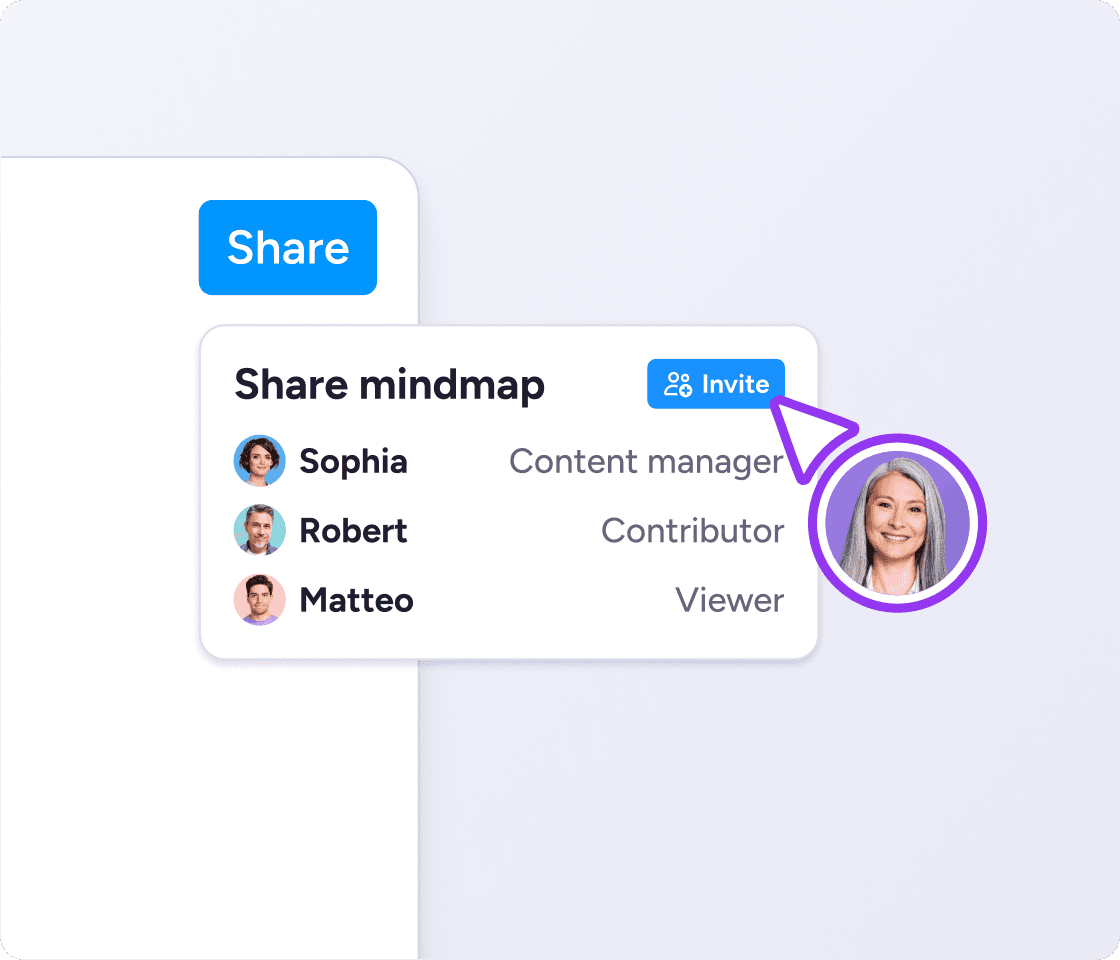
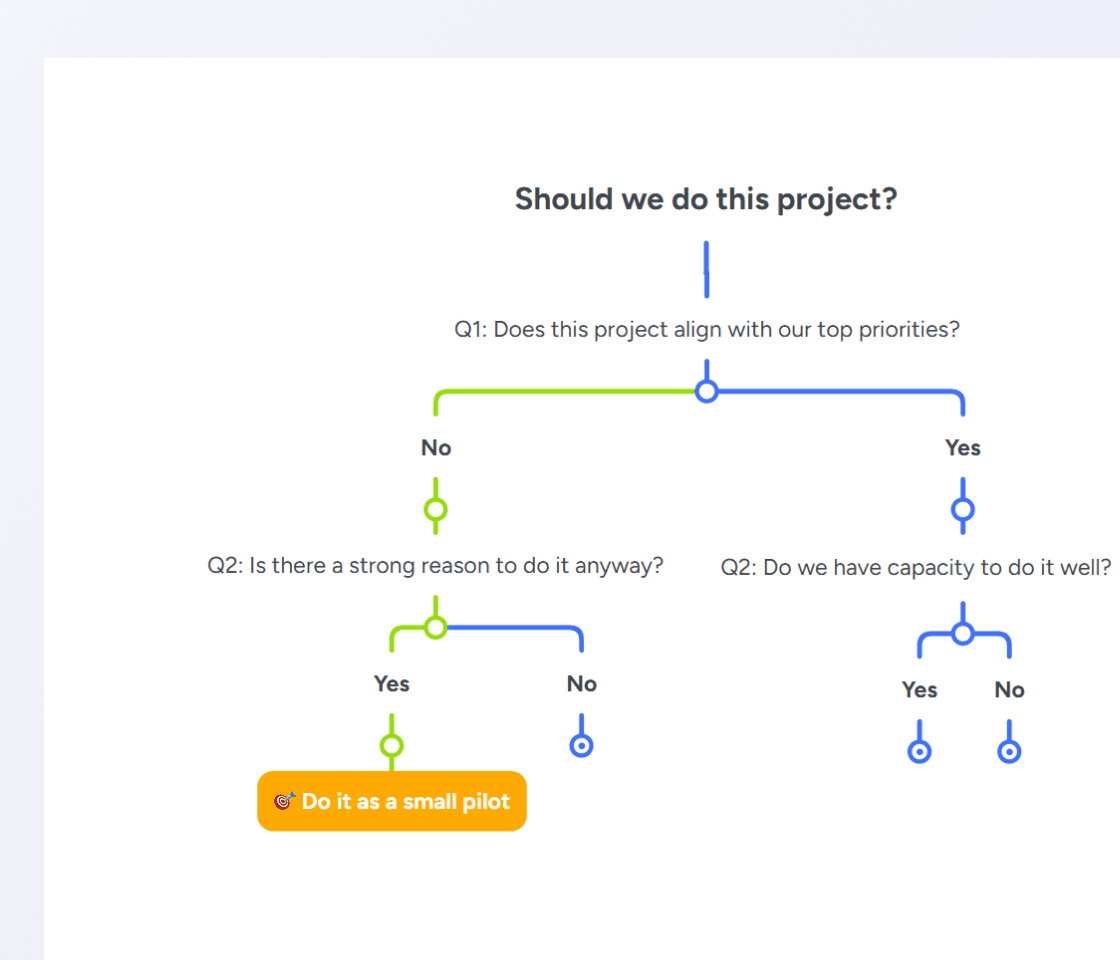
Color the winning path so it's visible at a glance. Hide branches with one click to reduce on-screen clutter and help you focus.
A decision tree is a branching diagram that turns a decision into a series of yes/no questions. You start with the choice at the root, ask one question at a time, and follow the answer branches until each path lands on a specific outcome. Teams use it to work through decisions where the reasoning matters as much as the answer.
Use one when a decision depends on several factors, when the outcomes aren't obvious, or when the reasoning needs to be shared. Vendor selection, hiring, feature prioritization and go/no-go release calls all fit. Decision tree analysis works well for any decision you'd otherwise argue about in a meeting.
A decision tree isn't a decision matrix (a table for scoring criteria against options), and it isn't a flowchart (a diagram of a process, not a choice). It converges on one answer; a mind map explores an idea in every direction. Pick the diagram that fits the job.
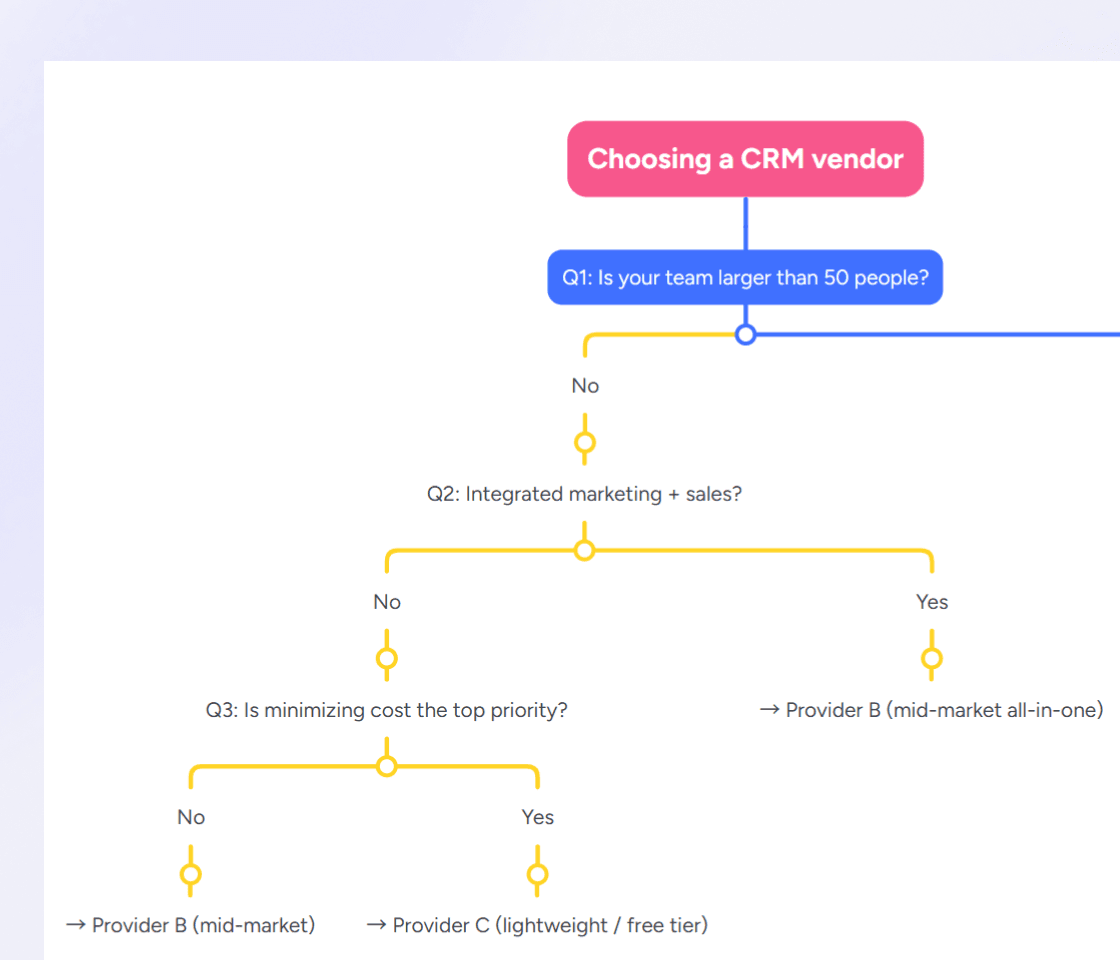
This free decision tree template shortlists CRM vendors through three yes/no questions on team size, integration needs, and budget. Each answer routes you to a specific type of provider. Duplicate the decision tree template and swap in your own questions to make a decision tree for anything.
Of the decision-making tools out there, a decision tree earns its place when you need to see the reasoning path, not just the answer. Five steps take you from a blank map to a decision you can act on.
Name the decision. Write it at the root of your tree as a single question, so everyone knows what's being weighed. To create a decision tree that actually helps, start with the choice itself.
Ask the first filter question. Under the root, add the one yes/no question that would split the decision fastest. "Is budget the constraint?" or "Do we need feature X?", whatever cuts the option space in half.
Branch on yes and no. Under each answer, either land on an outcome or ask the next question. Keep questions binary so every branch does real work.
Keep branching until you reach outcomes. Every path should end at a specific next step: a decision, a recommendation, or a "not yet". No dangling branches.
Mark the recommended path. Follow the yes/no answers your situation gives, then color the path from the top question down to the outcome and act on it.

As your trusted digitalization partner, we're committed to providing a secure and reliable platform so you can manage your daily work with confidence.
ISO 27001 certified
Fully GDPR compliant
Hosted in Germany
Admin controls
Security best practices



Sync your decision trees with Google Drive, assign tasks in MeisterTask, and brainstorm directly in Microsoft Teams.
Explore integrationsA decision tree is a branching diagram that follows each option to its likely outcome. A decision matrix is a table that scores options against weighted criteria. Trees show cause and effect; matrices score at a glance. Pick a tree when the reasoning matters as much as the score.
Yes. A decision tree is one of the most-used decision-making frameworks for choices with multiple options and clear criteria. It's a lightweight alternative to weighted matrices or full expected-value analysis.
MindMeister has a free plan that includes decision tree software, AI-generated maps, and three saved maps. Paid plans unlock unlimited maps and advanced sharing. Compare plans
You can, but each fights the shape. Word and PowerPoint use static shapes you align by hand. Excel is built for tables, not trees. A dedicated decision tree creator keeps the branches editable and the layout automatic.
A flowchart shows a process, with loops and branches that rejoin. A decision tree shows a choice, branching outward and converging on one recommended path at the end.
Yes. In MindMeister, type the decision as a prompt and Meister AI drafts the whole tree, or upload a document and it structures the options for you. Adjust the branches from there.