
What is a knowledge map?
A knowledge map is a visual representation of where expertise, documents and institutional knowledge live within an organization. Unlike a simple database search, knowledge mapping lets team members navigate to the right asset through context rather than keywords, turning scattered know-how into a structured, accessible resource.
Separate knowledge from noise to keep your map useful
The key to building a good knowledge map is to avoid unnecessary noise, and the best way to avoid noise is to have a clear definition of what qualifies as a knowledge asset and what does not.
Davenport and Prusak offer a useful definition: "Knowledge is a high-value form of information that is ready to apply to decisions and actions, [and that] knowledge derives from information as information derives from data."
Research from APQC confirms that organizations with structured knowledge management programs see measurable improvements in decision speed and employee onboarding.
This distinction matters because knowledge-sharing platforms often suffer from an excess of raw information. Too much information becomes noise, and noise prevents people from accessing the most important content.
This is where the "knowledge asset" concept becomes important.
Knowledge assets are the smallest actionable units of knowledge. They should be small, reusable and produced as part of the normal team workflow. Once captured, these atoms are added to the knowledge map so team members can navigate and grab them at will. If your team already uses different types of mind maps, a knowledge map follows the same visual logic but focuses on where expertise lives.
Navigate your knowledge map instead of searching for files
In every meeting and workshop about knowledge management, the same question comes up: "Should we have a search field?"
Teams are so used to searching for information that it comes as a surprise when searching for knowledge is discouraged. But knowledge should be accessed rather than searched for.
When a team searches for knowledge and is lucky, the best outcome is finding what they were looking for. When team members access knowledge by navigating a knowledge map, they discover things they did not know existed.
Navigation also provides a quick understanding of what the group knows collectively, what resources are available, and what gaps remain.
Many teams have experienced varying levels of frustration when completing a search in a database: the computer returns lists of 20 items or more with vaguely similar titles, forcing them to open file after file. Navigating is faster than searching.
Give every team member instant access to collective intelligence
Knowledge mapping helps organizations curate an experience for their employees when accessing collective intelligence. The intellectual capital of the company can be quickly accessed by organizing knowledge assets in a knowledge map.
As Harvard Business Review notes, distributed teams especially benefit from structured knowledge access, since institutional know-how is no longer passed on through hallway conversations.
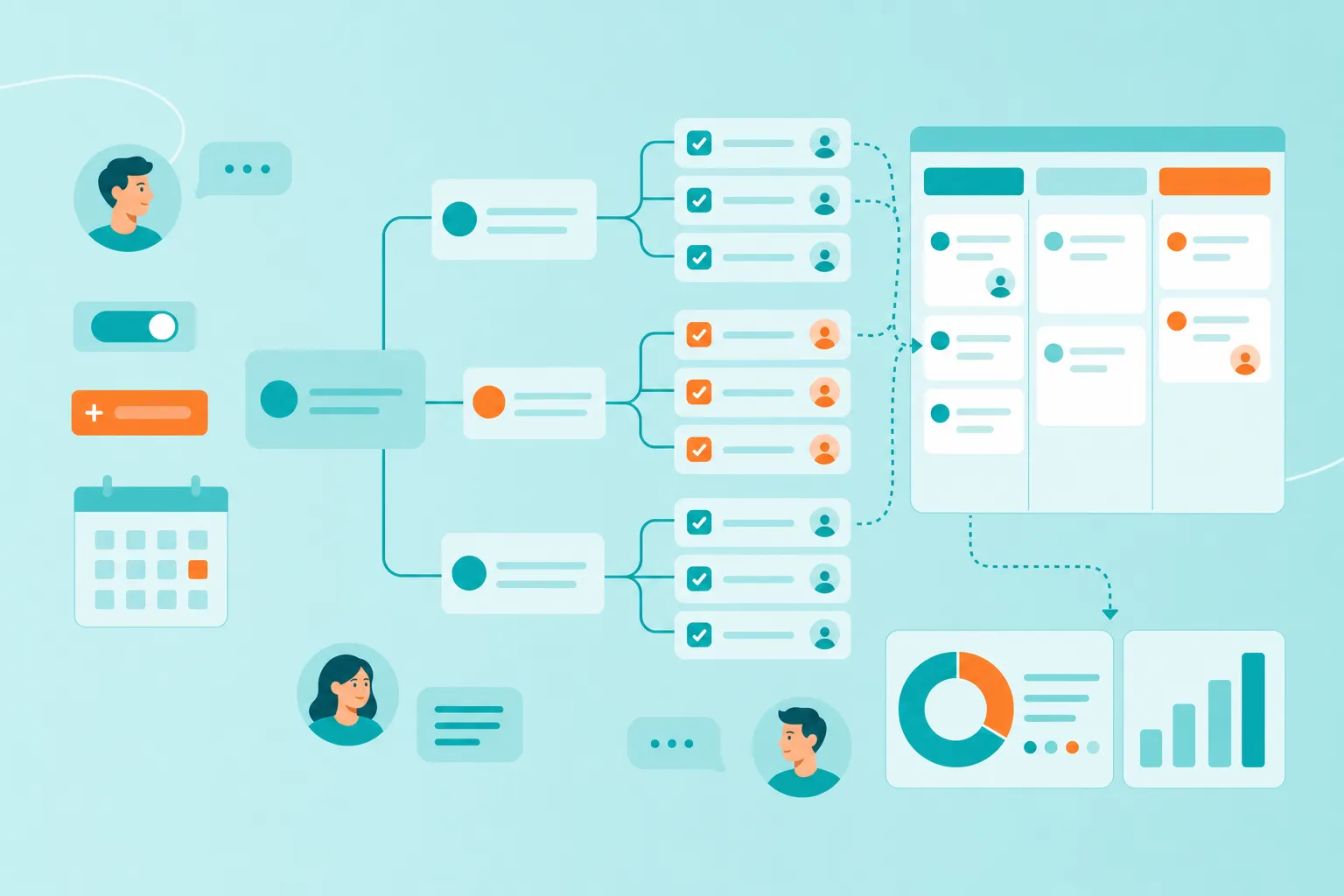
Knowledge maps are intuitive, and they provide platforms to showcase knowledge assets. Team members can navigate the different branches, leading them to groups of assets and new maps. Most assets can be reached following different paths, as different people follow different thought processes. The same visual structure works for analytical workflows like a force field analysis.
How to build a knowledge map in 7 steps
Consider a customer success team at a growing SaaS company. The team has doubled in size over the past year, and new hires struggle to find the playbooks, troubleshooting guides, and client notes that experienced colleagues rely on daily.
The team decides to build a knowledge map in MindMeister to organize everything: onboarding materials, product FAQs, escalation workflows, and client-specific insights. The goal is to give every team member, new or veteran, a single place to navigate the collective knowledge.
With this scenario in mind, here is a step-by-step process for creating a knowledge map for both planning and long-term knowledge curation.
Step 1. Identify your knowledge map topic
During the team's kickoff meeting, open a new mind map and name the central topic after the knowledge area you want to organize. In this example, that would be 'Customer Success Knowledge Map.'
Start by adding the main branches that represent your team's key knowledge domains: 'Onboarding Playbooks,' 'Product Troubleshooting,' 'Client Accounts,' and 'Escalation Procedures.' These top-level branches give the mind map its navigational structure.
Step 2. Prepare your first assets
You can begin adding assets to your mind map before the content even exists.
In the kickoff meeting, the team identifies the deliverables they know they will need. Under 'Onboarding Playbooks,' that might include a 'New Hire Checklist,' a 'Product Demo Script,' and a 'First 30 Days Plan.' Under 'Client Accounts,' the team anticipates needing 'Account Summaries' for each major client and a 'Renewal Playbook.'
At some point, the team will need to deliver a product walkthrough for new hires. The walkthrough will explain what the product does, how clients use it, and where to find answers to common questions.
For this, the team adds a topic called 'Product Walkthrough for New Hires.' This is the first knowledge asset placeholder on the mind map.
The name can always change later, but for now, it serves as a reminder to prepare this material before the next onboarding cycle.
Additional assets the team expects to need:
A template for quarterly business reviews with clients
An escalation flowchart for critical support issues
A library of email templates for common client requests
A competitive comparison sheet for handling objections
Once a deliverable is finalized, the team will share it with clients or new hires. For the time being, the placeholders keep the mind map forward-looking.
Step 3. Capture the first knowledge asset
The team has a list of onboarding tasks from previous cycles, plus a set of product FAQs collected from support tickets.
The first real task is to draft the 'New Hire Checklist.' A senior team member writes it, drawing on their experience onboarding the last three hires.
This is an asset the team had anticipated in the mind map. As the document takes shape, they add it to the 'Onboarding Playbooks' branch.
Note that the team is not producing knowledge assets for the sake of producing them. They are doing their normal daily work, and when a piece of knowledge is worth preserving, they capture it in the mind map.
The team then creates a new sub-branch called 'First Week Materials' and moves the 'New Hire Checklist' and the 'Product Demo Script' into it. This illustrates the versatility of mind mapping when rearranging knowledge.
Step 4. Attach knowledge via documents or Google Docs
Now that the 'New Hire Checklist' has a place in the mind map, the team saves the document in a shared folder and links it. If the team uses Google Docs, they copy the sharing link and paste it into the relevant topic in the mind map. MindMeister lets you attach links, files, and notes directly to any topic.
Once you have the shareable link, simply copy and paste it into the relevant topic within your mind map. This can be done via the topic's attachment panel or by dragging the link directly onto the topic.
Step 5. If needed, add your asset to other locations
Some assets do not belong to only one domain. For instance, the 'Product Overview Deck' originally created for sales demos turns out to be essential for customer success onboarding too.
By linking the same asset across multiple branches, the team saves time and ensures consistency. When the deck is updated, every branch that references it stays current.
This shared asset is a perfect example of knowledge that belongs in many domains, not just one.
Any time you capture an asset, spend a couple of minutes thinking about which other areas of the mind map it should appear in, and add it there too.
Step 6. Connect your different domains
As the knowledge map grows, different teams start building their own mind maps. The product team has one for release notes and feature documentation. The sales team has one for competitive intelligence and pricing.
MindMeister lets you link between mind maps, so the customer success team can reference the product team's feature documentation directly. This cross-linking creates a network of knowledge that is greater than the sum of its parts.
This is extremely valuable, because every team benefits from knowledge that other teams have already captured and organized.
Step 7. Make your knowledge available remotely
For distributed teams, cloud-based access is essential. MindMeister is entirely cloud-based and built for real-time collaboration.
The administrator can set up the whole team on the same account, so everyone can access and contribute to the knowledge maps from anywhere. Team members can edit simultaneously, leave comments, and vote on topics.
For file storage, use a cloud service like Google Drive or OneDrive. Create a dedicated folder for all knowledge assets referenced in the mind map. Files are then shared via links pasted into the relevant mind map topics.
Since the team may share knowledge maps with other departments or external partners, they set the relevant access permissions for each mind map to control who can view and who can edit.
Keep your knowledge map usable as it grows
A knowledge map that nobody maintains becomes outdated fast. These best practices keep the map relevant and easy to navigate as the team and its knowledge grow.
Organize assets around knowledge domains
There are hundreds of knowledge assets in every community and every organization. The first piece of advice when building the knowledge map for your organization is to not try and capture all of your knowledge assets into one single mind map.
When you and your colleagues start creating your collective knowledge, you should be thinking of it as domains of knowledge. You can then dedicate one mind map to each of these domains.
A domain is just a group of assets that share a particular area. It’s important to note that one given asset could be present in a number of domains. This is a key characteristic of an ontology when compared to a taxonomy.
In the example above, Client Accounts has its own dedicated branch. Other domains include 'Onboarding Playbooks,' 'Product Troubleshooting,' and 'Escalation Procedures.'
Different members of the organization will specialize in one or two domains. These team members will develop a feeling of ownership over these domains, which is more important than it sounds since company culture is the main obstacle for any knowledge management initiative.
Design for visitors, not just contributors
Anyone in the organization may come to a knowledge map in search of useful, actionable information. While creating the mind map, try to create an experience for those visitors.
When topics start forming a long list, group them as subtopics. Groups of no more than six or seven elements feel more comfortable to navigate.
How one team assembled a client proposal in 30 minutes
With the steps above and MindMeister, here is an everyday example of how using a knowledge map for knowledge curation pays off.
A team member, Alex, receives a last-minute request: a key client wants a custom onboarding plan for their expanding department by tomorrow morning. Normally, this would mean hours of searching through email threads, shared drives, and chat logs.
That day, Alex was exploring how to tailor the onboarding for this client's specific needs. After reviewing the request, Alex agreed to submit a proposal the next morning.
The client wanted a series of hands-on sessions for their new team members covering:
A product walkthrough tailored to the client's configuration
Best practices for their specific use case
A troubleshooting reference for their most common issues
Alex needed to put together one polished document with those components and submit it in less than 24 hours.
Reuse existing knowledge to focus on what truly adds value
In most projects, 80% of the work has already been done before. The real value comes from combining available assets quickly and focusing your energy on the unique elements.
In this example, Alex needs to focus on one question: 'How does this client's specific setup affect the onboarding plan?' This is the truly unique part. Everything else, the standard playbooks, training schedules, and demo scripts, already exists in the knowledge map.
Alex needs to review the client's account details and make sure the proposed plan addresses their specific needs. Everything else can be assembled from existing assets.
Think of it like a cake. While needed, of course, the base layers are not as valuable as the icing. Knowledge management lets you focus your effort and time on what truly adds value: the customization that makes each delivery unique.
Find the pieces faster by navigating your knowledge map
Capture and share knowledge with MindMeister and make it accessible to the whole team.
Navigating the knowledge map, Alex reaches the 'Onboarding Playbooks' domain. There, they find the standard training schedule, the product walkthrough guide, and a set of session templates.
They also notice a 'Team Bios' section and decide to include the assigned customer success manager's profile in the proposal.
In the documentation for each playbook, there is a section listing the expected outcomes for the client. This covers the 'what they will get' part of the proposal.
Alex finds a previous proposal template that works for this opportunity, complete with client testimonials and a timeline. They also spot an ROI calculator that another colleague had added months earlier.
By navigating the knowledge maps, Alex was able to:
Find the training materials and session templates in seconds
Discover a relevant proposal template with testimonials
Locate the client's account history and configuration details
Assemble a polished, comprehensive proposal in under 30 minutes
Start capturing your team's knowledge today
By now, you know what a knowledge map is, why it matters, and how it helps people across your organization access collective knowledge every day. Here is a quick recap of the steps:
Identify your knowledge map topic.
Identify your first assets in the map (even if you don’t have them yet).
Capture the knowledge assets as they become available.
Attach those assets to the map.
Copy the assets wherever you see fit.
Connect your different domains.
Make your knowledge available remotely.
The most important task of all is to maintain awareness. In our daily work, we are continuously generating material that is useful and worth capturing. If your team captures and shares those assets as they’re created, capturing collective knowledge will become a great deal easier.
Map your team's knowledge in MindMeister